Backends — Connection Activity Detail
Per-backend drill-down with PID, query, wait events, connection start time.
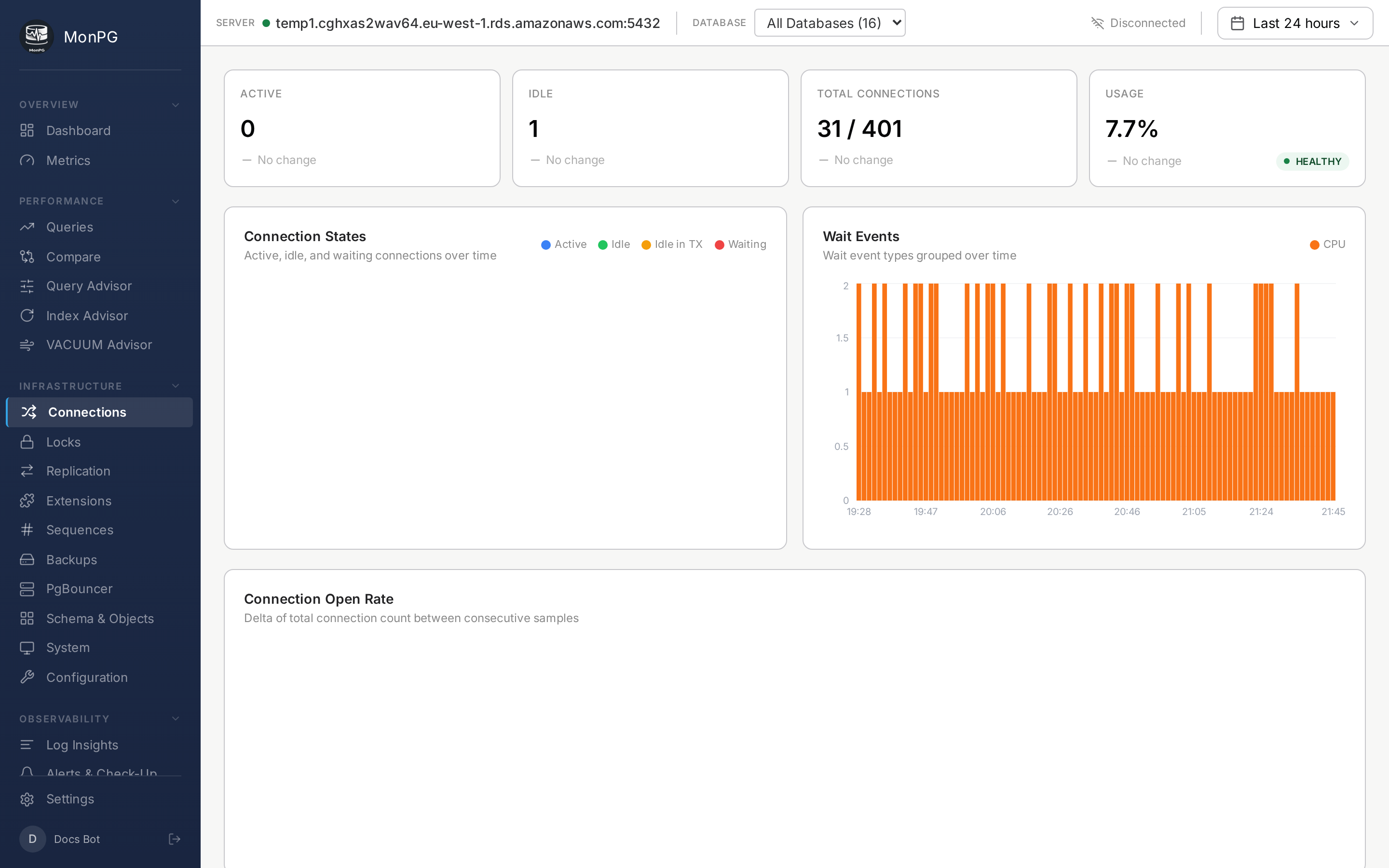
Connections is the summary view — counts and pool pressure. Backends is the per-row view: every connected session listed with its current activity. If Connections says “38 active backends,” Backends shows you exactly which 38 and what each one is doing right now.
Per-row data
PID, application name, client address, user, database. State (active / idle / idle in transaction / waiting / fastpath function call). Current query text if it’s active or waiting. Backend type — client backend, autovacuum worker, walsender, walreceiver, or background worker. Wait event and wait event type if it’s non-idle and waiting. Backend start, transaction start, query start, all as timestamps. Plus duration of the current state.
Useful filter and sort patterns
Sort by state duration descending to find sessions stuck in idle in transaction for more than a minute — your worst connection-leak suspects. Filter by application_name to see what each app is actually doing; this only works if your apps set application_name in their connection strings (which they should, for exactly this reason). Filter by state = waiting to see who’s blocked on what — cross-references the Locks page.
Termination
Each row has a kill icon. Calls pg_terminate_backend(pid). Needs pg_signal_backend on the monitor role; not granted by default, explicit opt-in for safety reasons. The kill button being present is not the same as it being usable.